

A rapidly draining battery is one of the most common issues smartphone users face today. Whether you're using an iPhone, Samsung, Android, OnePlus, or iPad, the symptoms are often the same and they are clear indicators that your device may need a battery replacement. In this blog, we break down the top signs you need a battery replacement, why your battery is draining fast, and what you can do next.
Battery Draining Fast The Most Common Warning
If your phone loses charge quickly even after a full charge, it’s a strong signal that the battery is weakening. This problem is especially common with:
-
iPhone after iOS updates
-
Android and Samsung phones after software updates
-
Older devices with reduced battery life
When your battery is draining fast, even during light usage, it’s time to consider a professional check.
Unexpected Shutdowns (Even With Battery Left)
Does your phone shut off at 20%, 15%, or even 40%?
This is one of the clearest signs your battery can no longer hold stable power. If your phone restarts, freezes, or dies without warning, you likely need a battery replacement soon.
Overheating Issues
A failing battery puts more stress on your device, causing it to heat up easily.
You may notice overheating when:
-
Charging
-
Playing games
-
Using apps like camera or social media
-
Even during idle time
Overheating is not only uncomfortable it speeds up battery damage.
Slow Charging or Stuck at a Certain Percentage
Another strong indicator is when your phone:
-
Charges very slowly
-
Gets stuck at 70–80%
-
Drops rapidly after reaching 100%
If your iPhone or Android device does not charge properly or loses charge instantly, the battery’s internal cells are wearing out.
iPhone Battery Health Dropping Below 80%
iPhone users can easily check battery health in Settings → Battery → Battery Health.
You need a battery replacement if you see:
-
Battery Health below 80%
-
Performance Management Applied
-
Service Recommended
These are official signs from Apple that your battery must be replaced.
Battery Draining Fast After an Update
It is common for users to search terms like:
-
battery draining fast iPhone after update
-
battery draining fast Android after update
-
battery draining fast Samsung after update
Software updates often increase system load, and older batteries struggle to handle new power demands. If your battery issues started right after an update, this is a major hint.
Swollen or Physically Damaged Battery
A swollen battery is dangerous and must be replaced immediately.
Signs include:
-
Screen lifting
-
Back panel bulging
-
Device feels thicker
-
Clicking sounds or gaps around the frame
This can cause screen damage, internal issues, and even fire hazards.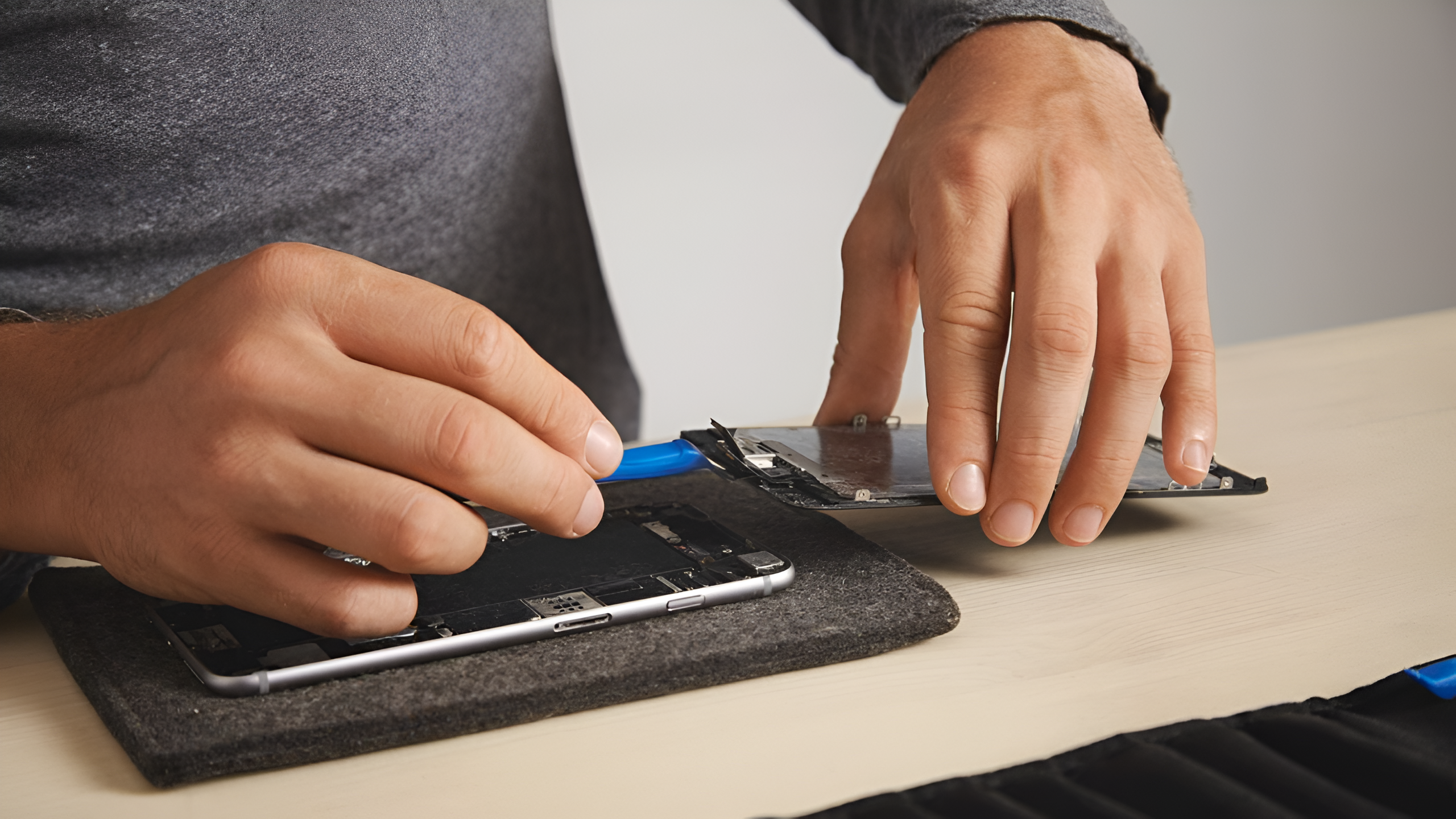
When Should You Replace Your Battery? (Quick Summary)
You likely need a battery replacement if you notice:
✔ Battery draining fast
✔ Unexpected shutdowns
✔ Phone overheating
✔ Slow or unstable charging
✔ iPhone Battery Health below 80%
✔ Battery issues after software update
✔ Physical swelling
If two or more of these apply, your battery has reached the end of its lifespan.
Professional Battery Replacement at Mobile Arcade
At Mobile Arcade, we offer:
-
🔧 Fast battery replacement for iPhone, Samsung, Android & more
-
🚐 Repair Van Service – We come to your location
-
🔋 High-quality, reliable batteries
-
🔒 Safe, data-secure repair process
-
⚡ Same-day service and expert technicians
A healthy battery means a smoother, faster, and safer smartphone experience.